Setup
Configure pricing
Add materials, machines, minimums, quantities, and shop rules.

Instant quote widget for 3D print shops
Customers upload CAD/STL files, choose material, quantity, and options, then see pricing and pay online 24/7.
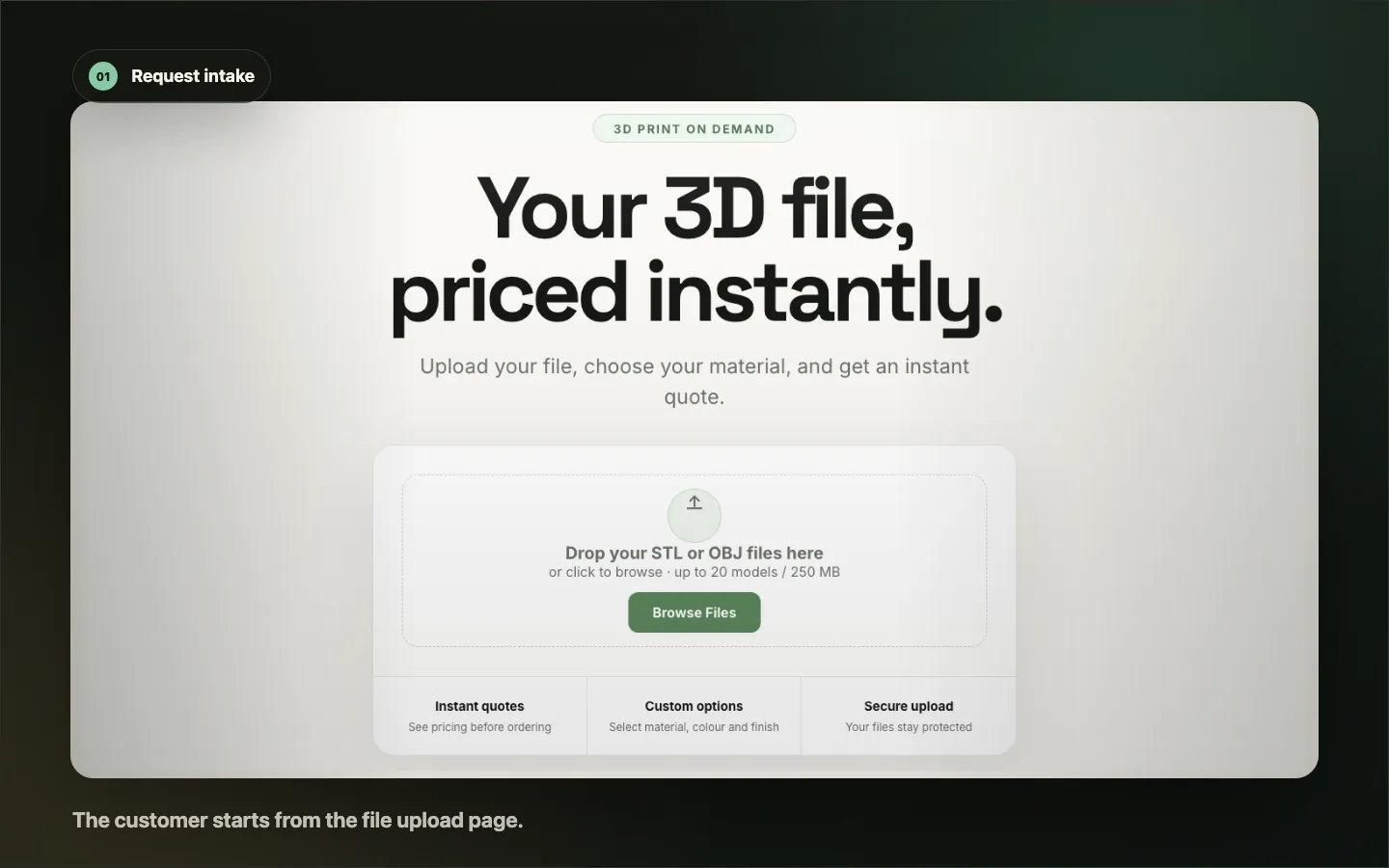
Use a hosted quote subdomain or paste the widget into a CMS page.
How it works
Automated quoting for 3D printing starts with your pricing rules, then gives customers a clean quote path on your website.
Add materials, machines, minimums, quantities, and shop rules.
Paste the widget snippet or use a custom quote subdomain.
Visitors upload files, get pricing, and move to payment.
Feature highlights
Trennen gives print shops a customer-facing quote tool with shop-controlled pricing, payment handoff, and a dashboard behind it.
Customers upload CAD/STL files and get real-time pricing from your materials, quantities, and rules.
Use quote.yourdomain.com or an embedded page with your colors, fonts, and terminology.
Configure FDM, SLA, SLS, MJF, resin, and custom process categories around your shop setup.
Let buyers approve and pay online through Stripe when checkout is enabled for the shop.
Track quote requests, orders, customer details, and production handoff from one admin view.
Works with WordPress, Wix, Squarespace, Shopify, static sites, and custom builds.
Fair pricing, made readable
Start with the quote volume you need now. Community has no card. Starter and Growth use a card-upfront trial through Stripe.
NZ$0/month
NZ$29/month + GST
NZ$129/month + GST
NZ$899/month + GST
Need every plan rule in one place?
View full pricing detailsLive widget demo
Paste the widget snippet into a quote page, or point a custom subdomain at Trennen for a hosted quote portal.
Use your public tenant ID. Theme attributes can match your brand.
<div id="trennen-quote-widget"></div>
For custom domain quoting, add a CNAME record: quote to quotes.trennen.co.nz.
Quote handoff
See how intake, pricing, approval, and job status stay attached after the buyer says yes.
View how Trennen worksQuestions before you start
The main decisions are fit, plan volume, and payment setup. Everything else can wait.
Create a quote page and paste the Trennen widget snippet into the body. The script loads the quote tool using your public tenant ID.
Yes. Add a CNAME so quote.yourdomain.com points to quotes.trennen.co.nz, then Trennen can serve the quote portal under your domain.
No. Most site builders support a Custom HTML, Embed, or Code Block. The setup guide covers WordPress, Wix, Squarespace, Shopify, and static sites.
Ready when you are
Choose the plan that fits this month's quote volume.
Community includes 5 free quotes/month. Paid trials use Stripe, with no Trennen checkout fee on standard plans.
Request a walkthrough
Tell us how requests work today. We will follow up with a focused walkthrough.
Selected plan
For small shops ready to quote faster.